
TAMRON
Lens
Utility™
New Advancements and
Possibilities for Your Shooting Workflow
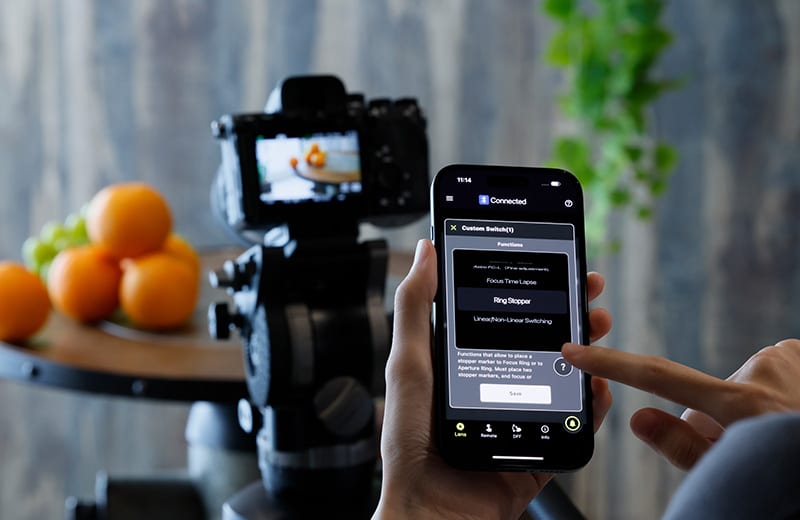
TAMRON Lens Utility™ is an innovative application that lets you assign practical functions to your lens for both video and still photography using your smartphone or PC.


 For Video
Focus (FC)/Iris Marker Link
Easily Control Focus Pull and Aperture from Your Smartphone
You can set markers for both the focus and aperture rings, and with the DFF (Digital Follow Focus) screen, shift them instantly to the preset positions with a single tap.
* Aperture control via the DFF including Iris Marker and Focus (FC)/Iris Marker Link is not supported on Nikon Z mount.
Ring Stopper
Electronically Controlled Stopper for Precise Ring Operation
This function lets you set an electronically controlled stopper for the focus and aperture rings, which helps prevent unintended over- or under-adjustment when operating them. With the DFF screen, you can manually control both rings at the same time with smooth, accurate operation.
* Nikon Z mount is not supported.
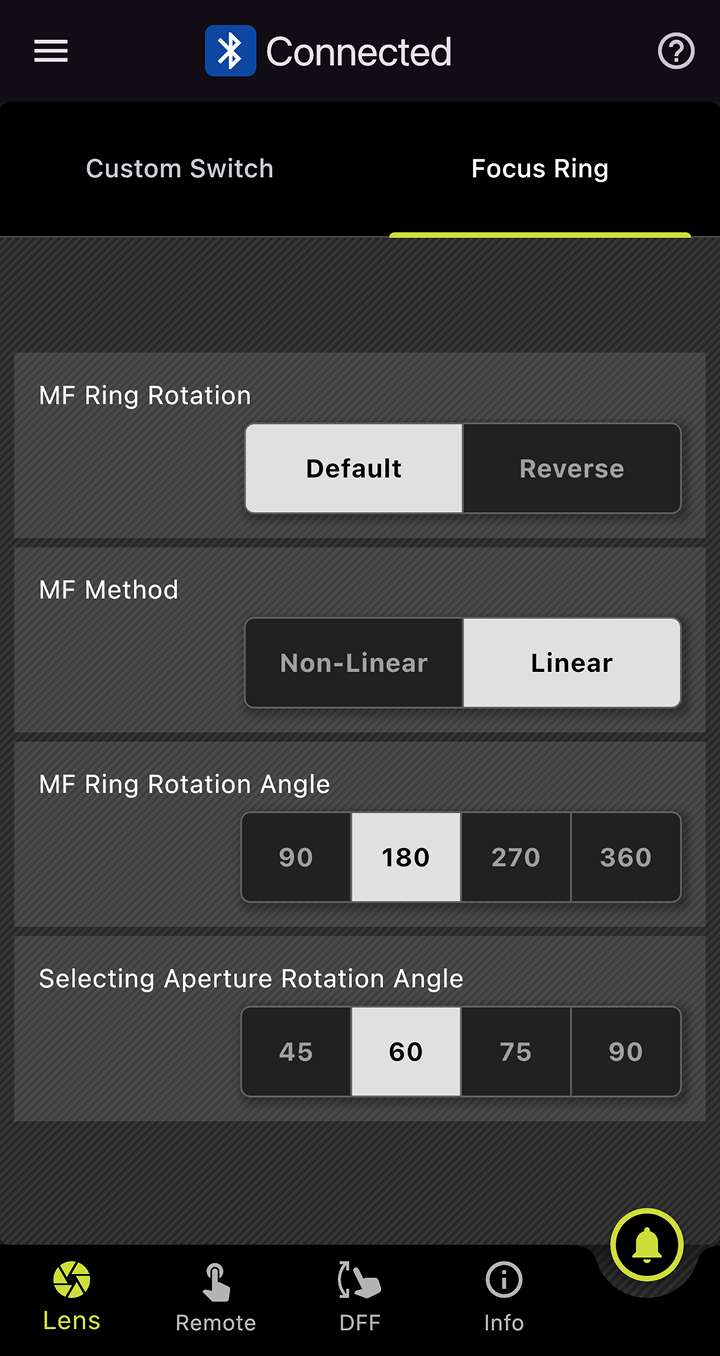 Default 180°
Selecting Focus and Aperture Rotation Angle
Adjust Ring Rotation Angle to Suit the Scene
This function lets you set the rotation angle of the focus and aperture rings.
You can select the rotation angle according to the scene you are shooting in manual mode, allowing for operation that match your creative intentions.
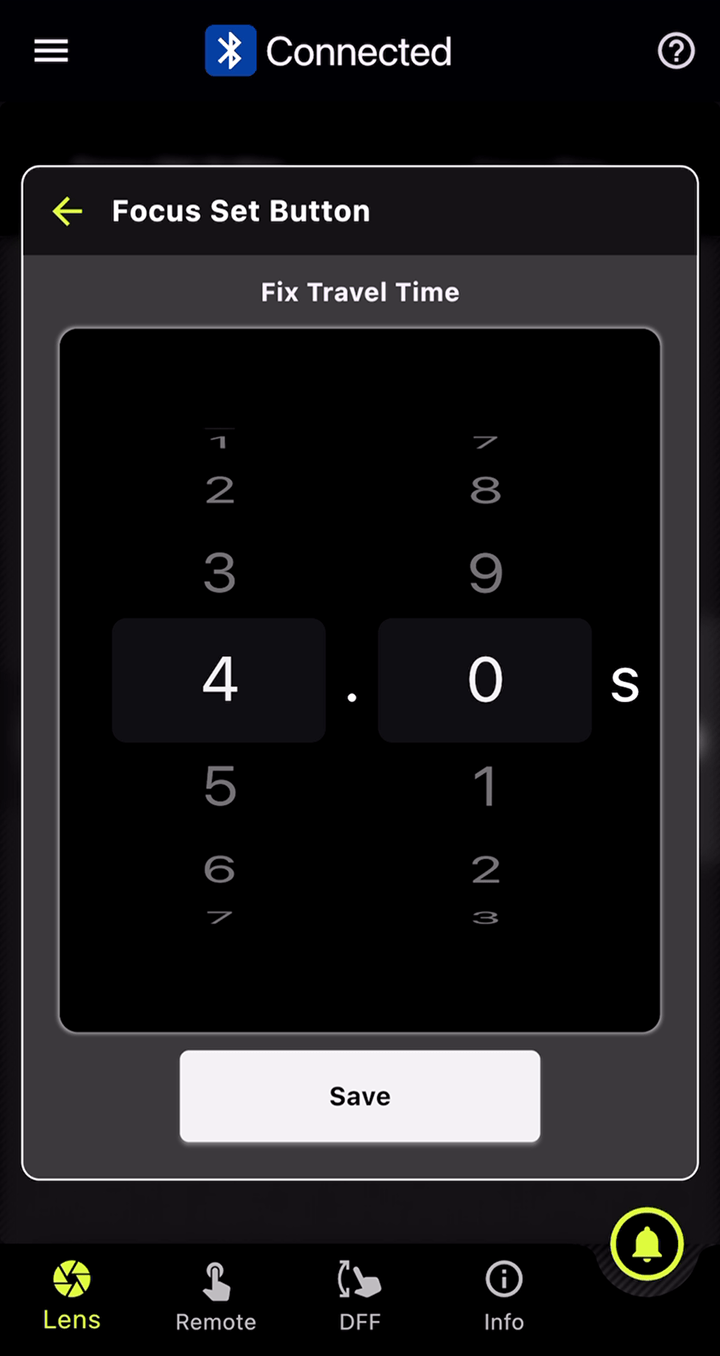
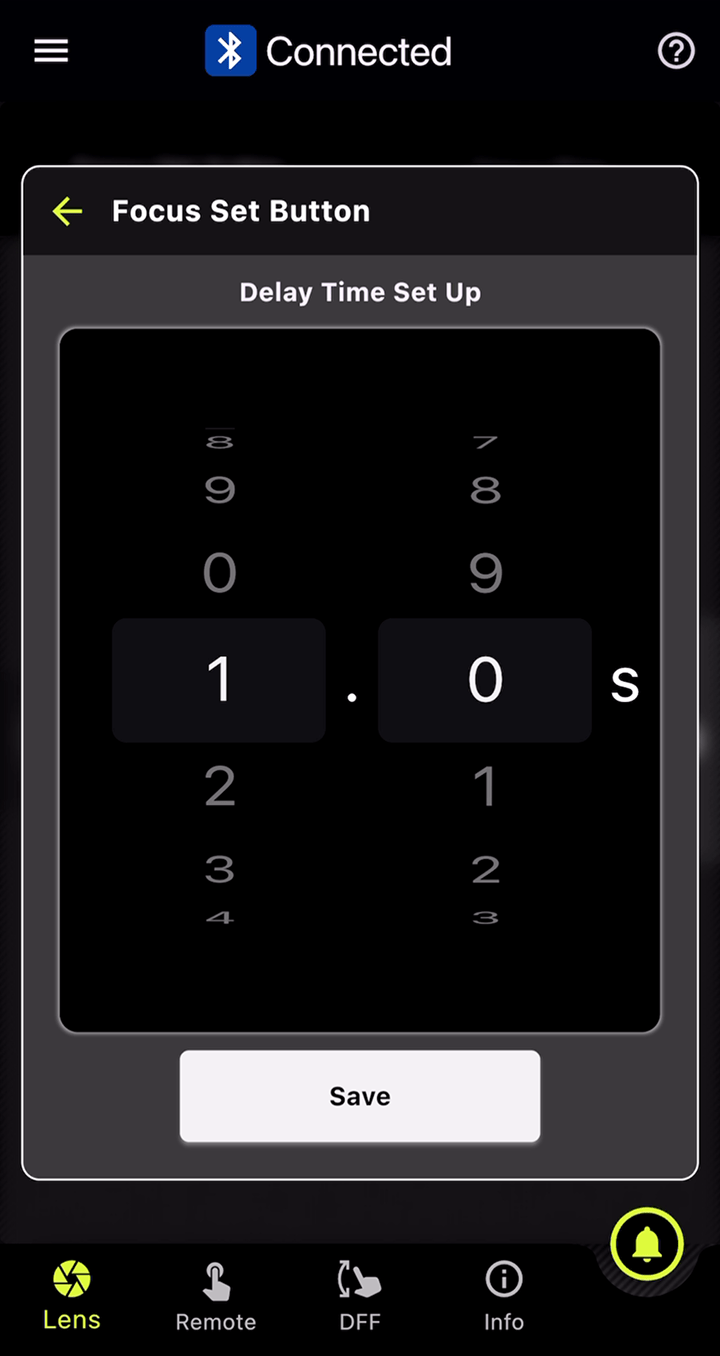
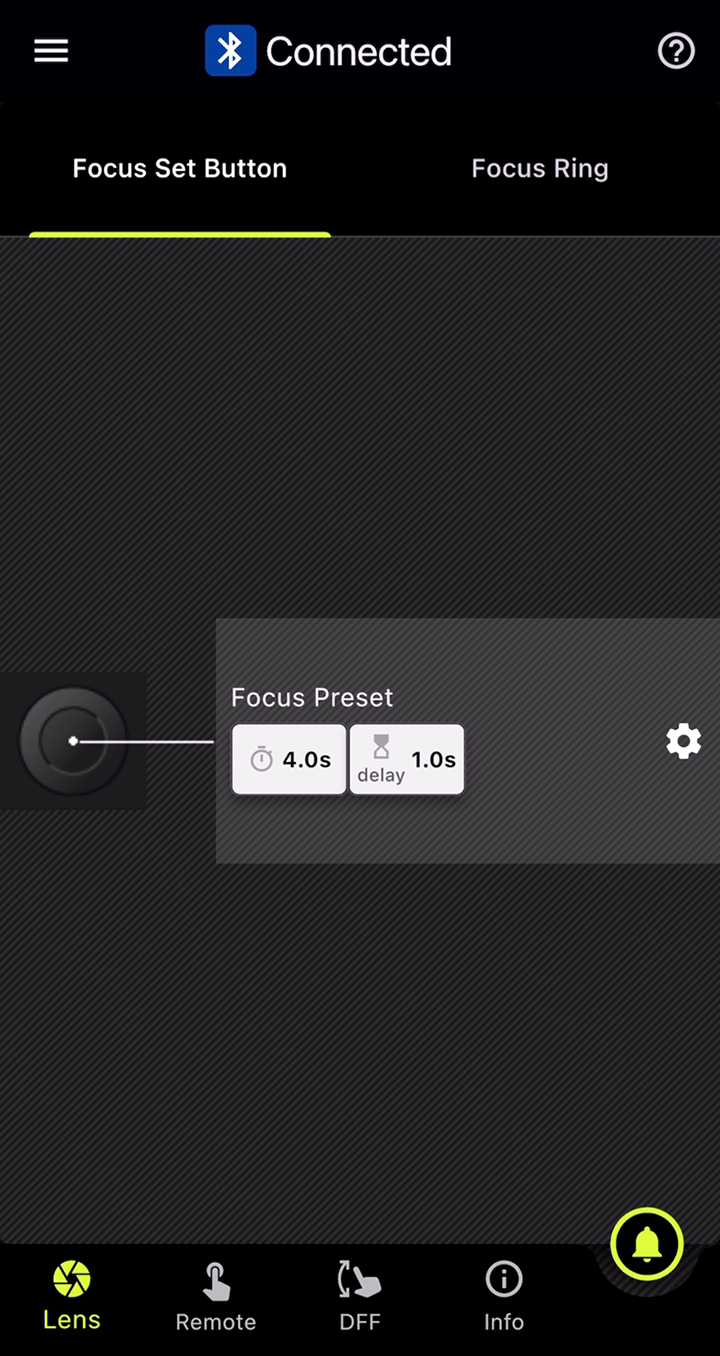
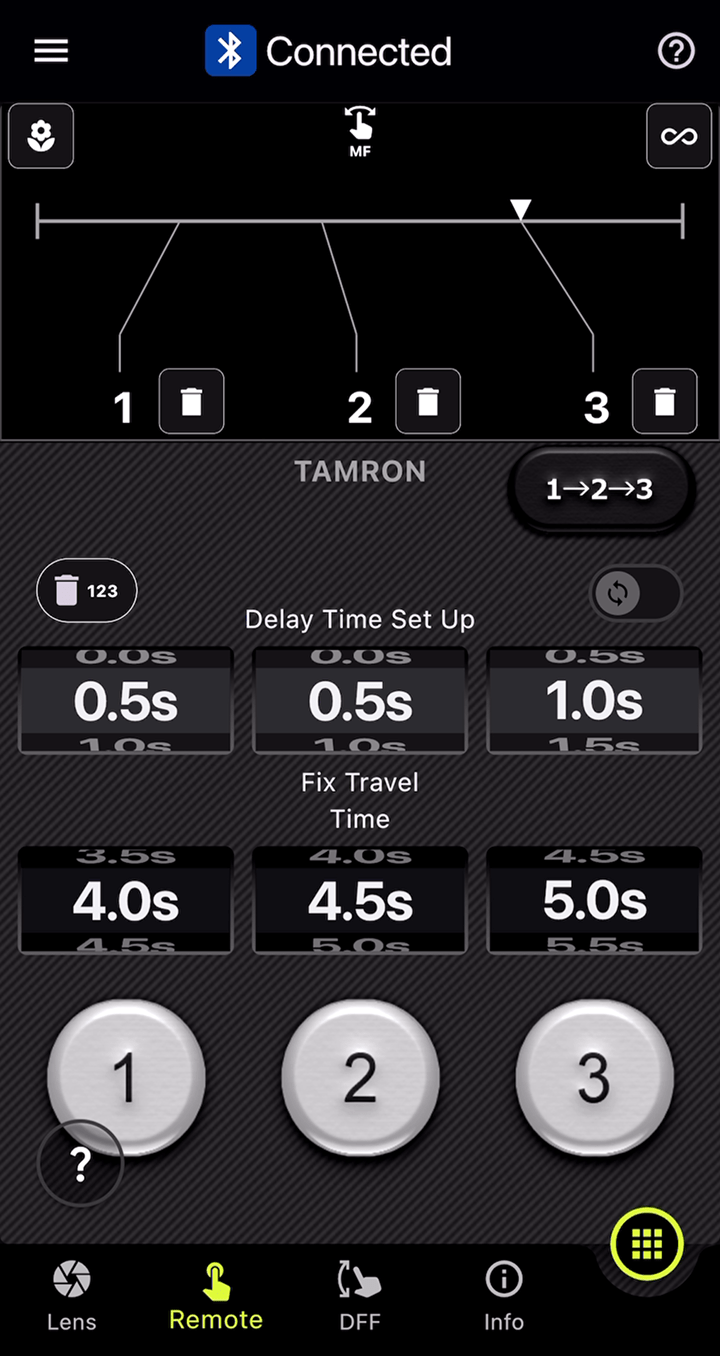
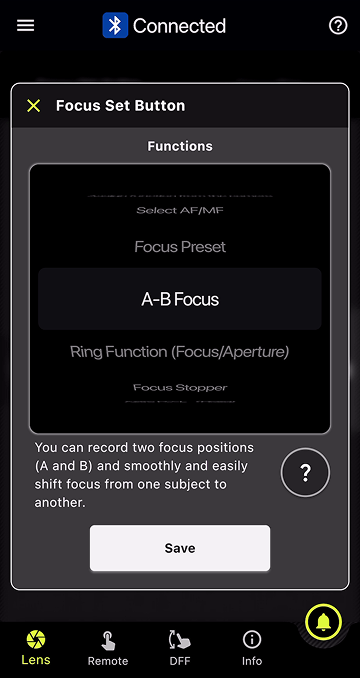 Menu Selection
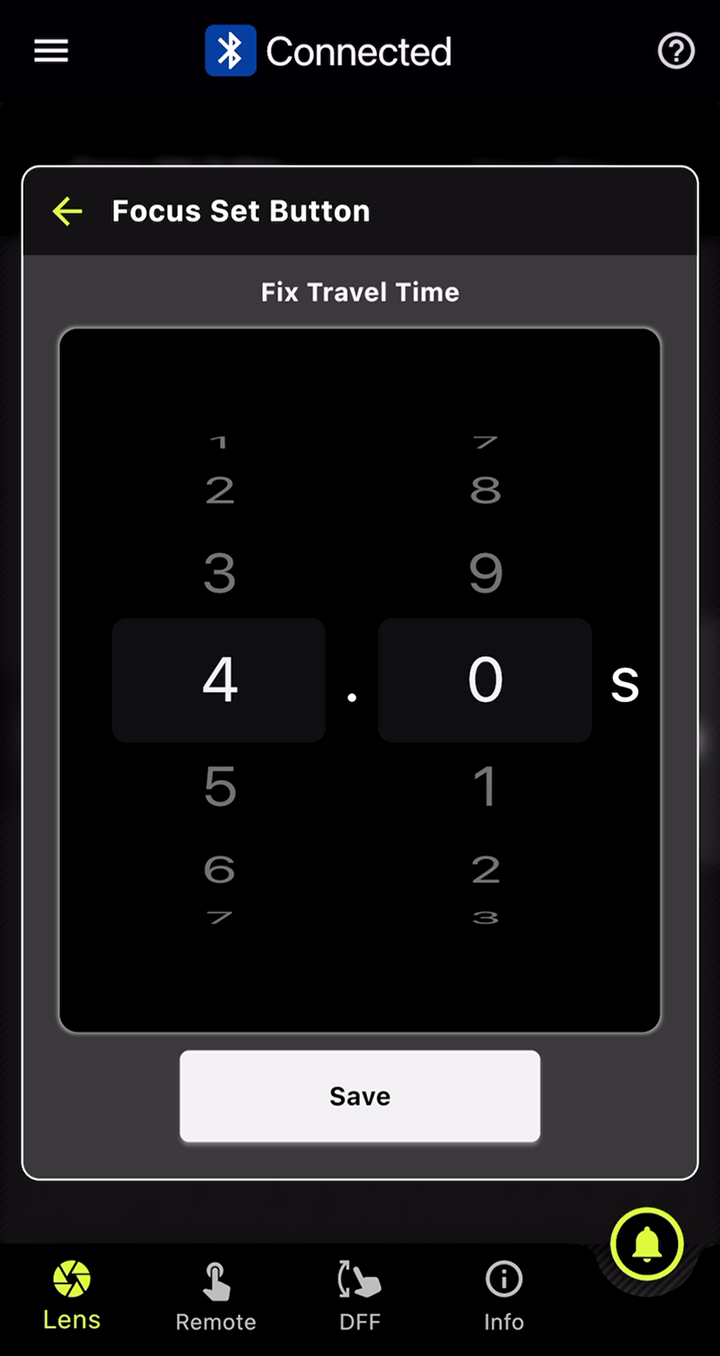 Fix Travel Time
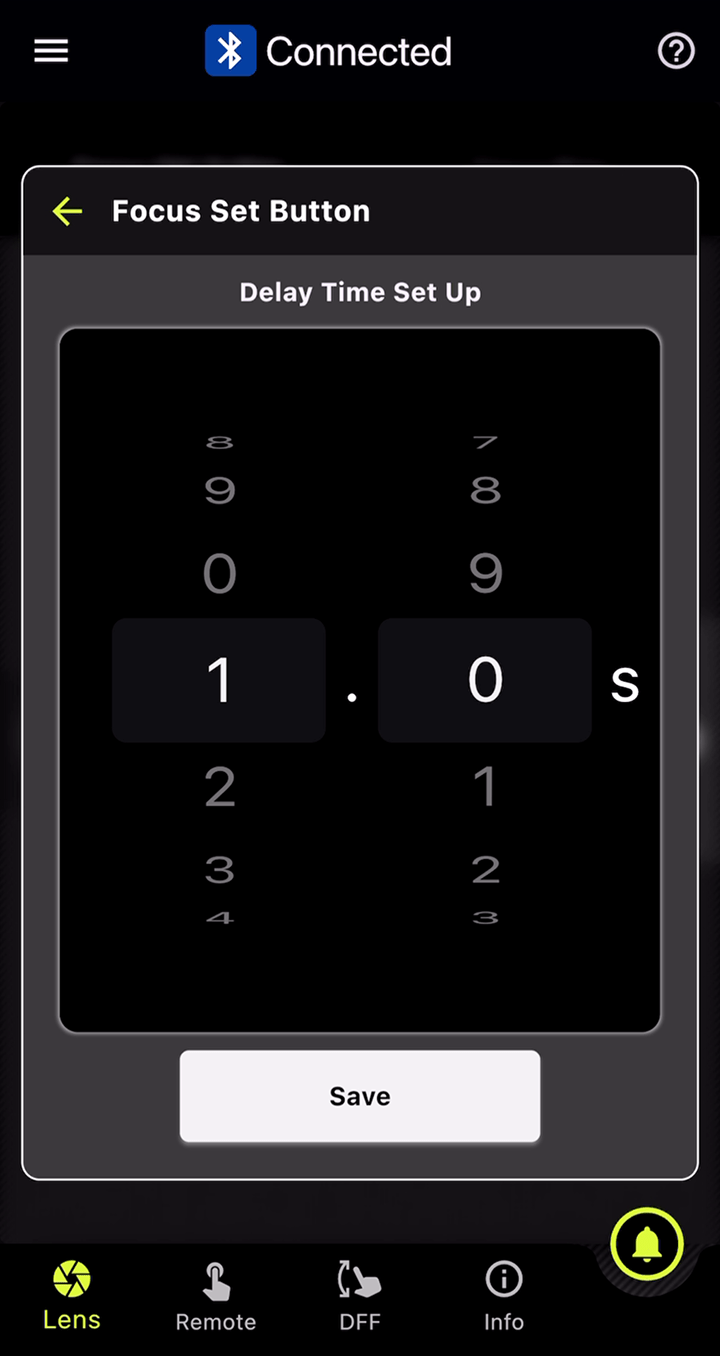 Delay Time
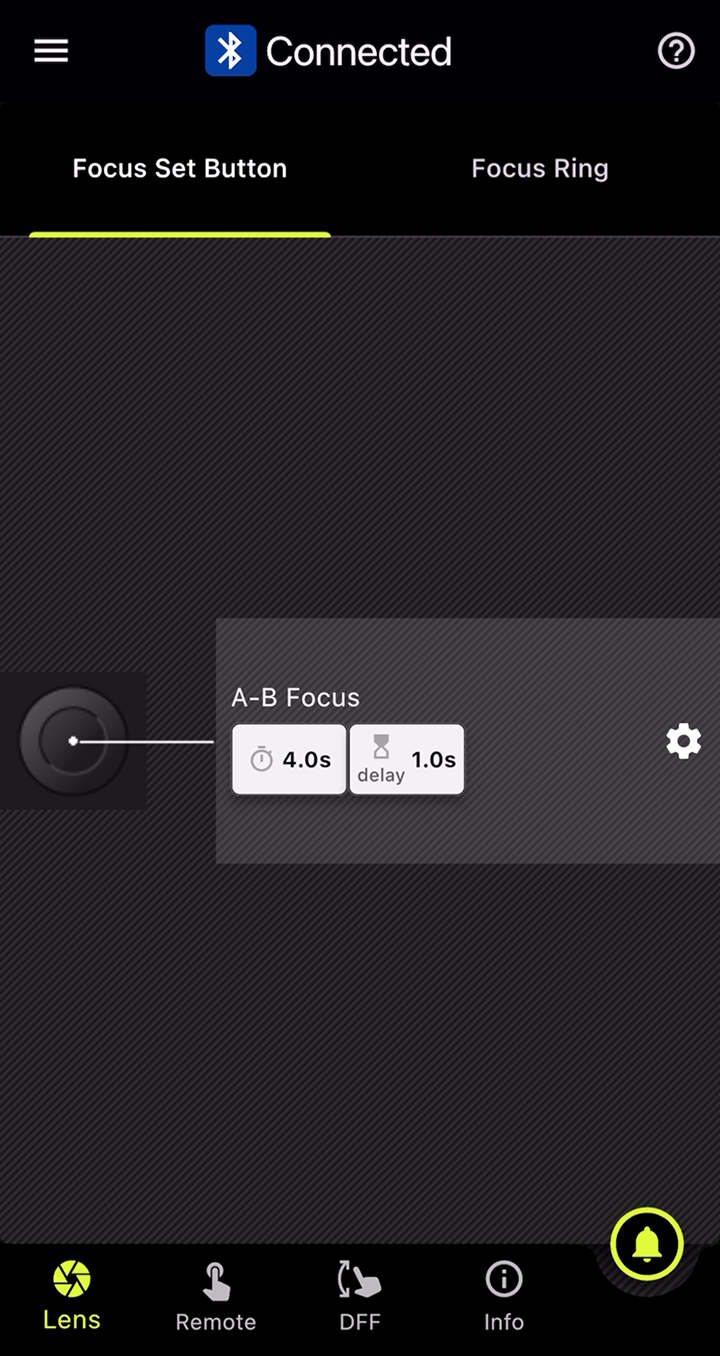 Settings Completed
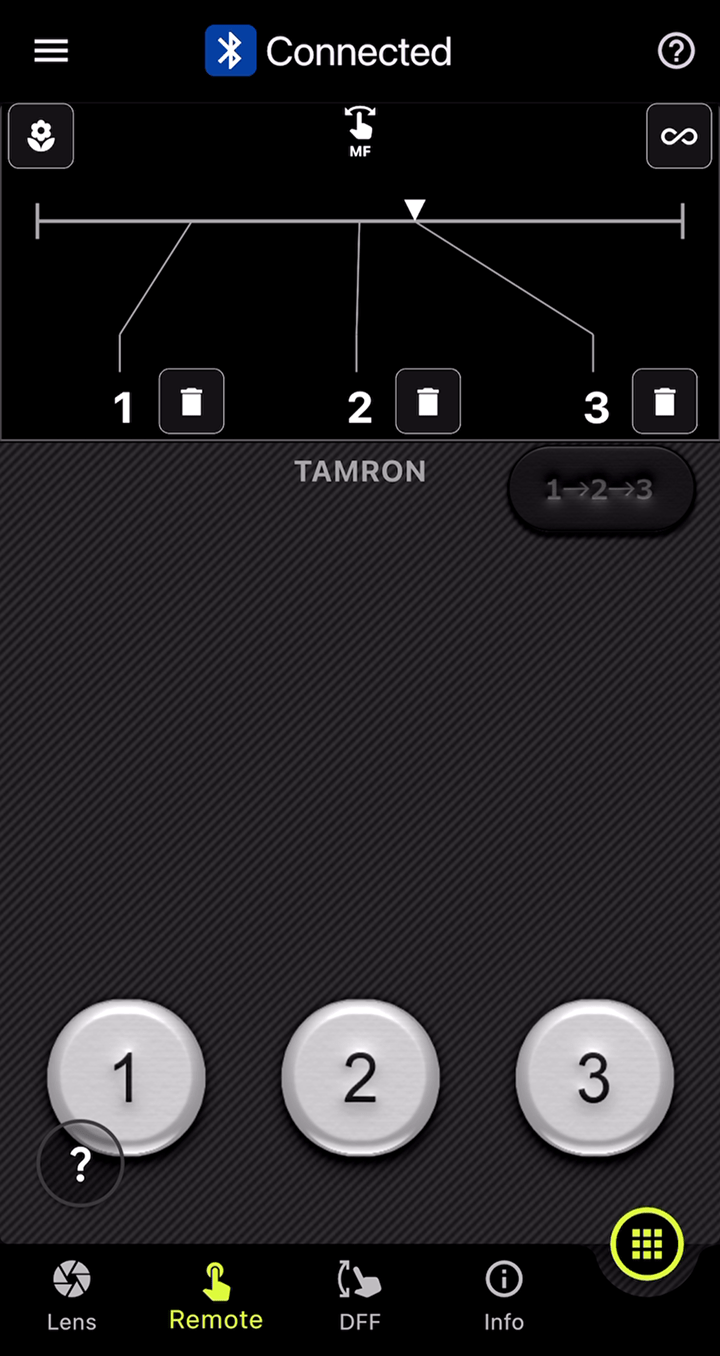
A-B Focus
Lets you smoothly and easily shift focus from one subject to another.
 For Time-Lapse
Focus Time Lapse
Add Focusing to Time-Lapse Shooting
This function works with the camera’s interval shooting, letting you create time-lapse videos while gradually shifting the focus position with ease.
* Nikon Z mount is not supported.
* For 28-75mm F2.8 G2 (Model A063) and 20-40mm F2.8 (Model A062), the Fine Adjustment button will not appear around the Focus Ring on the DFF screen.
 For Astrophotography
Astro FC-L
(Fixed / Fine Adjustment)
Supports Focusing for Astrophotography
This function helps reduce the hassle of focusing when shooting the night sky. You can fine-tune and save focus positions to match your shooting environment and intentions.
* For 28-75mm F2.8 G2 (Model A063) and 20-40mm F2.8 (Model A062), the Fine Adjustment button will not appear around the Focus Ring on the DFF screen.
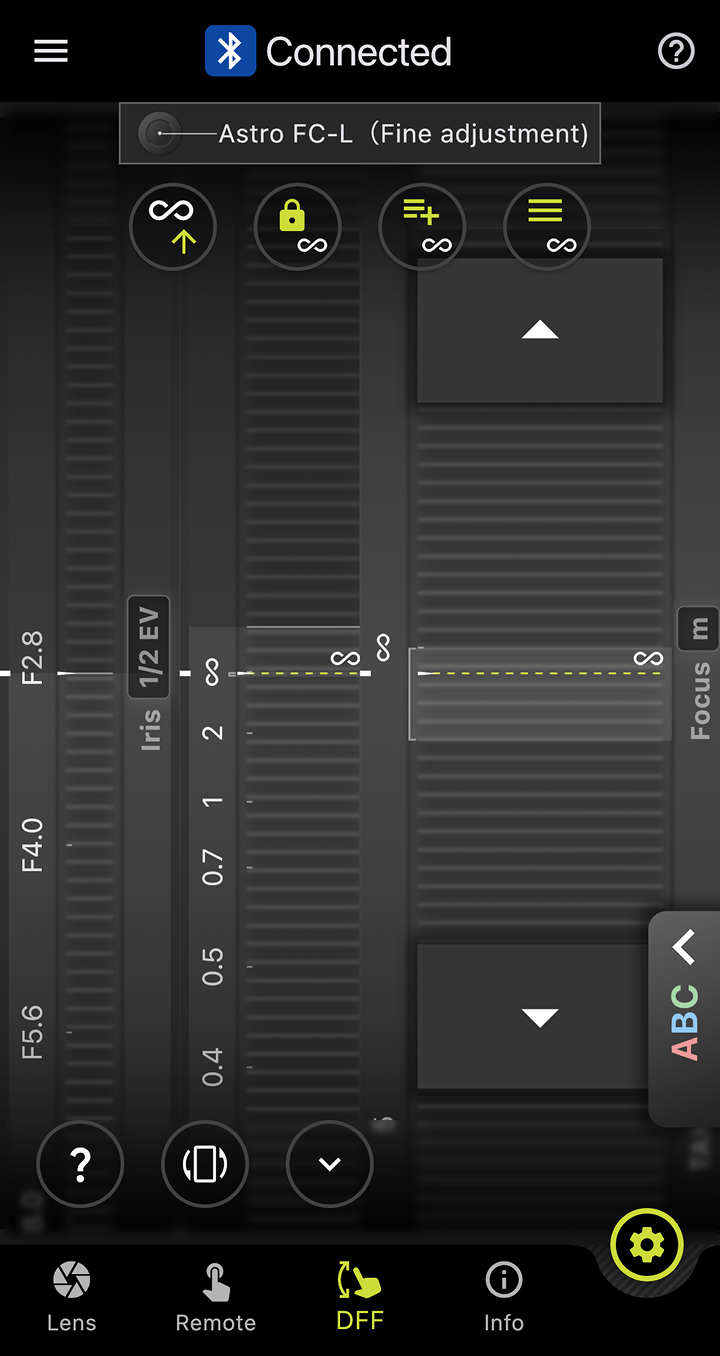 before
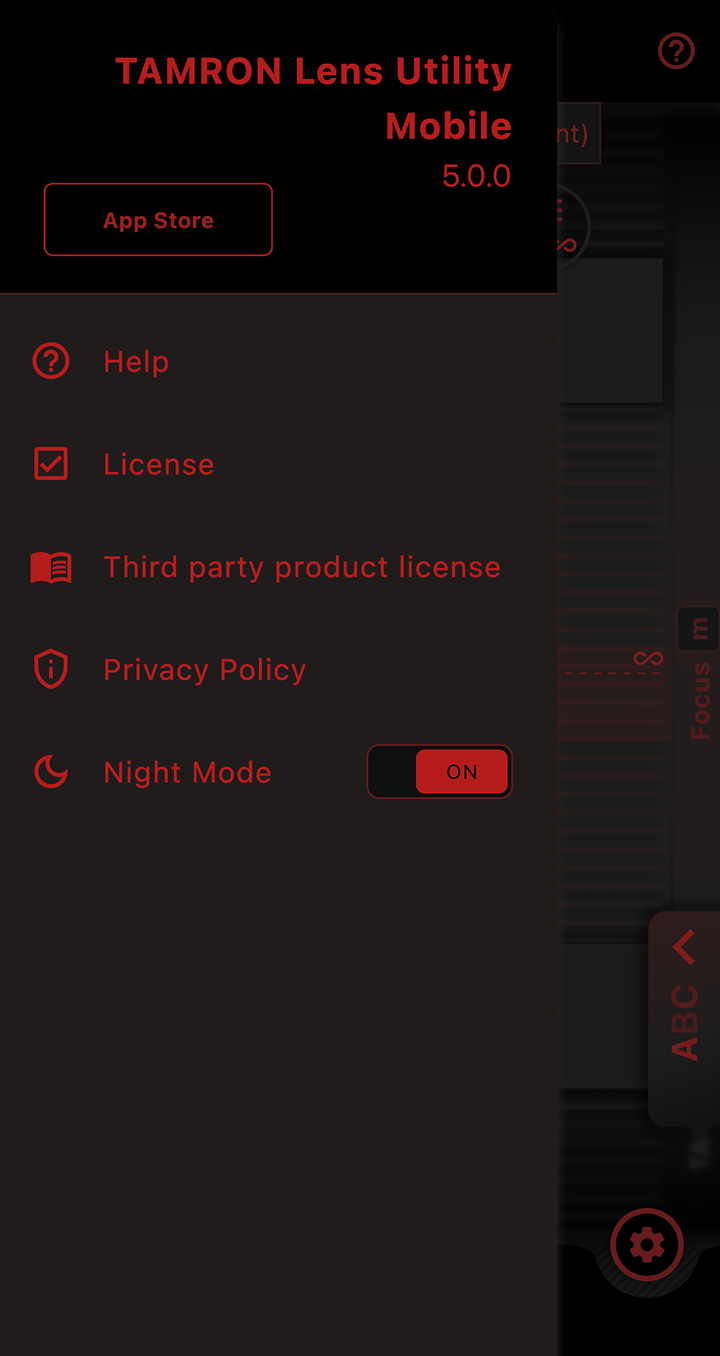 Night Mode 01
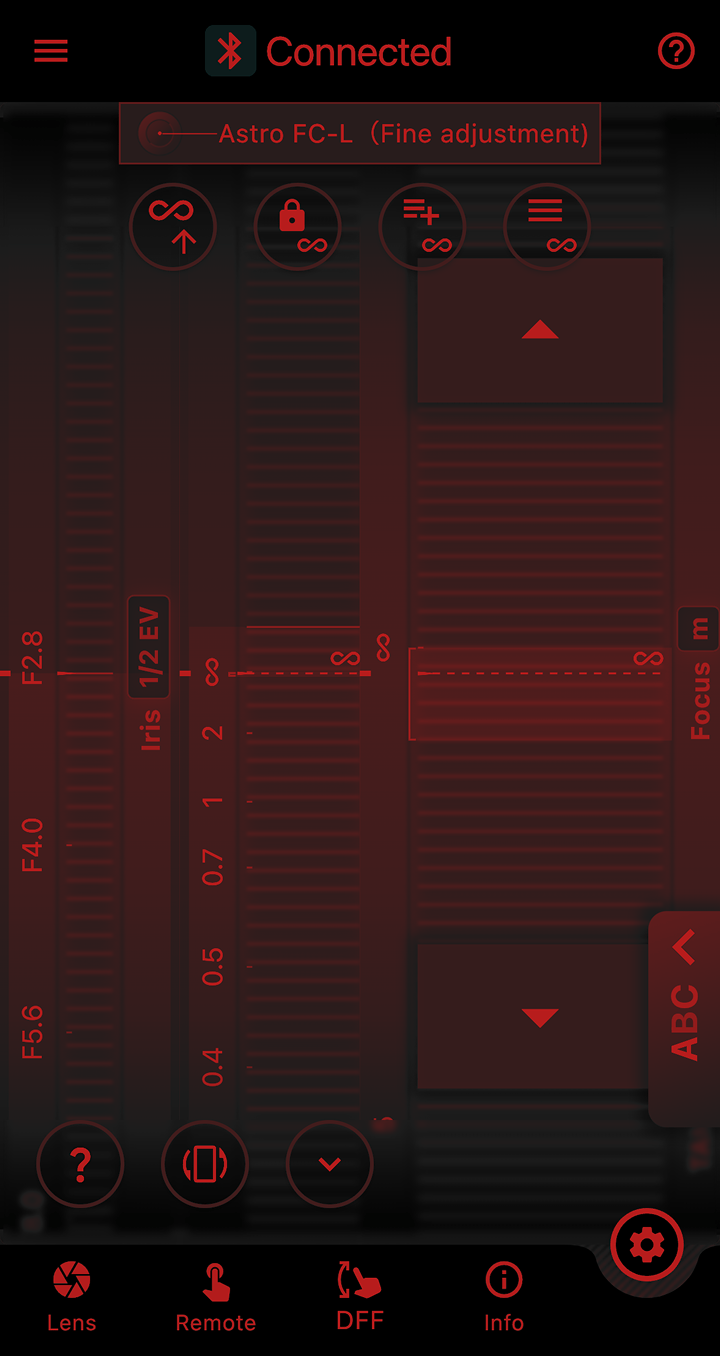 Night Mode 02
Night Mode
More Comfortable Shooting in Dark Places
The entire screen turns red and dims, reducing eye strain in low-light conditions and minimizing disturbance to other photographers around you.
 For Still Photo

Focus Limiter
Limit the Focus Range to Avoid Missing Shots
This function lets you limit the focus range when shooting moving subjects.
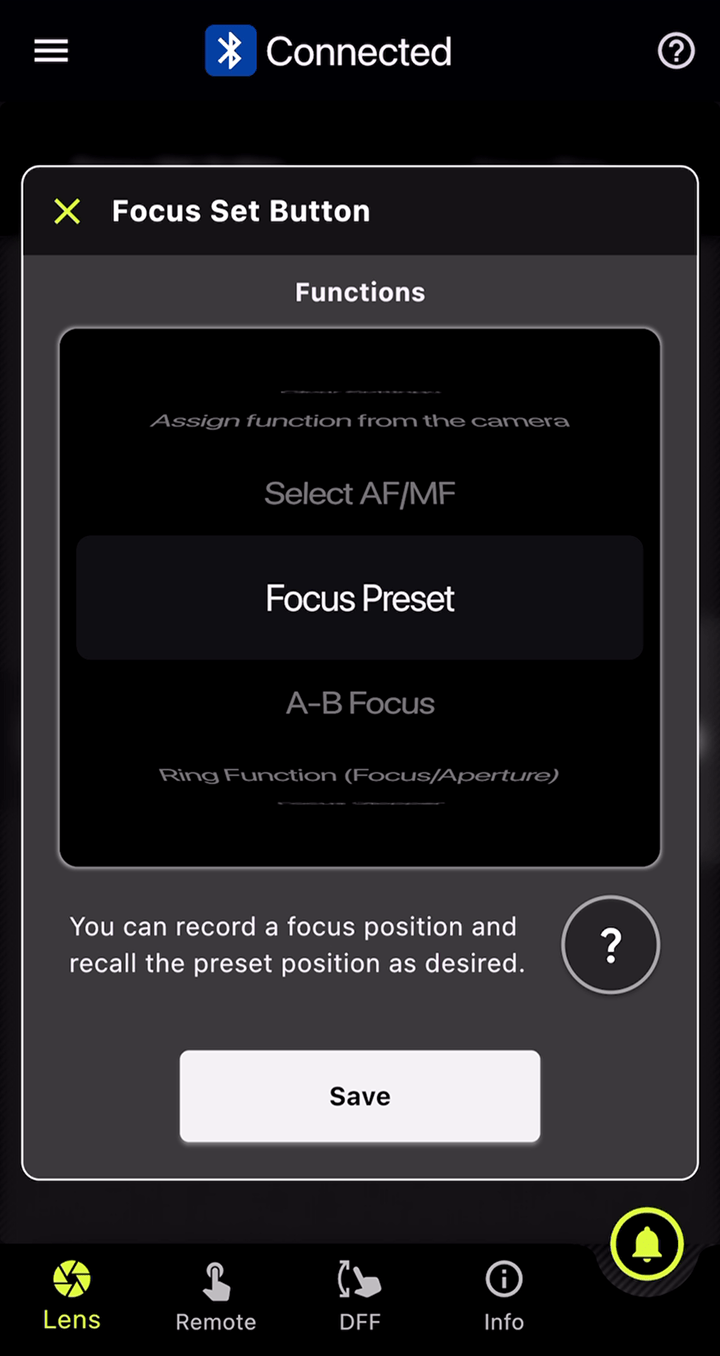
- ● TAMRON's unique features:
-
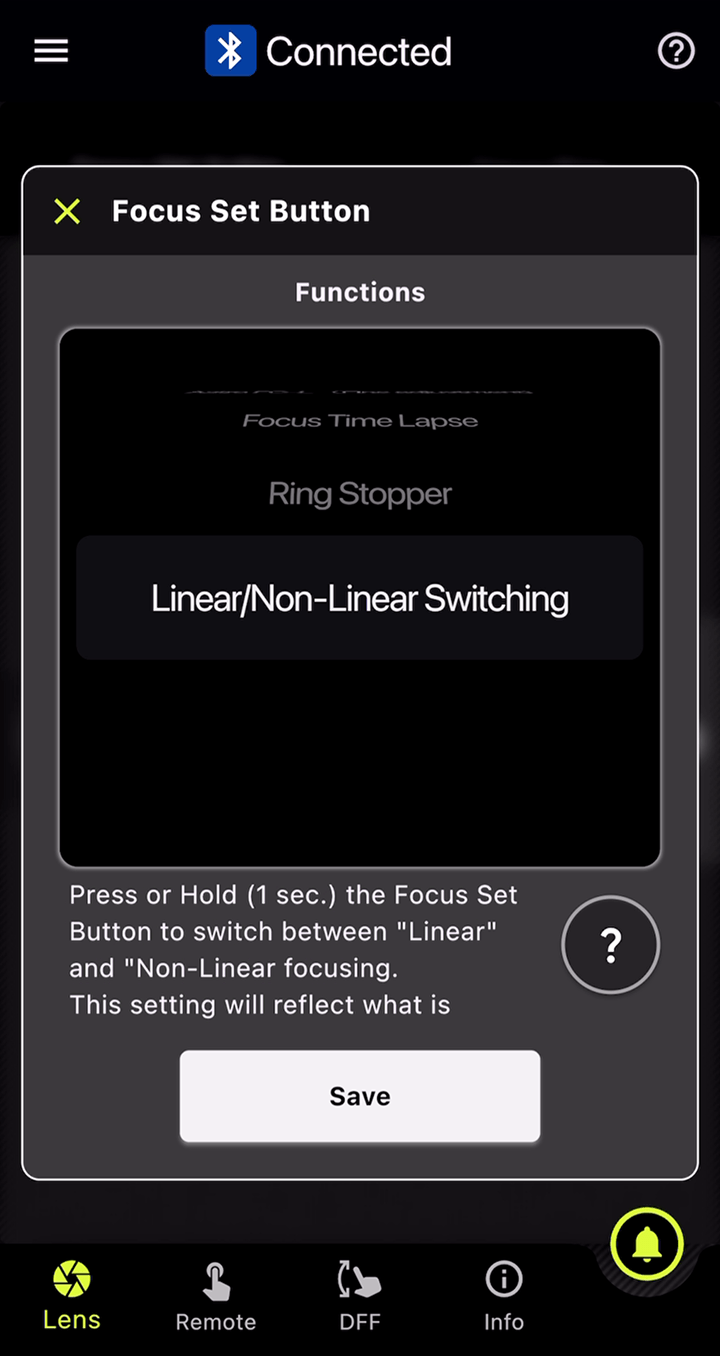
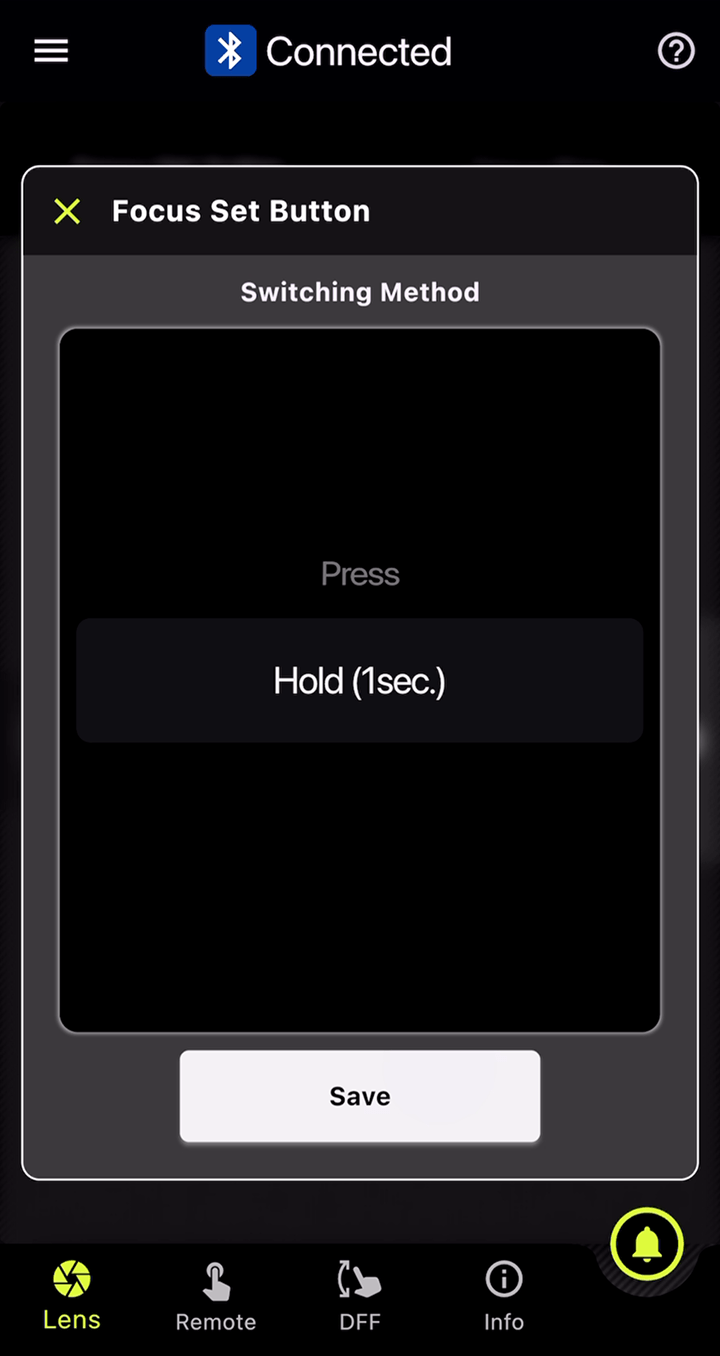
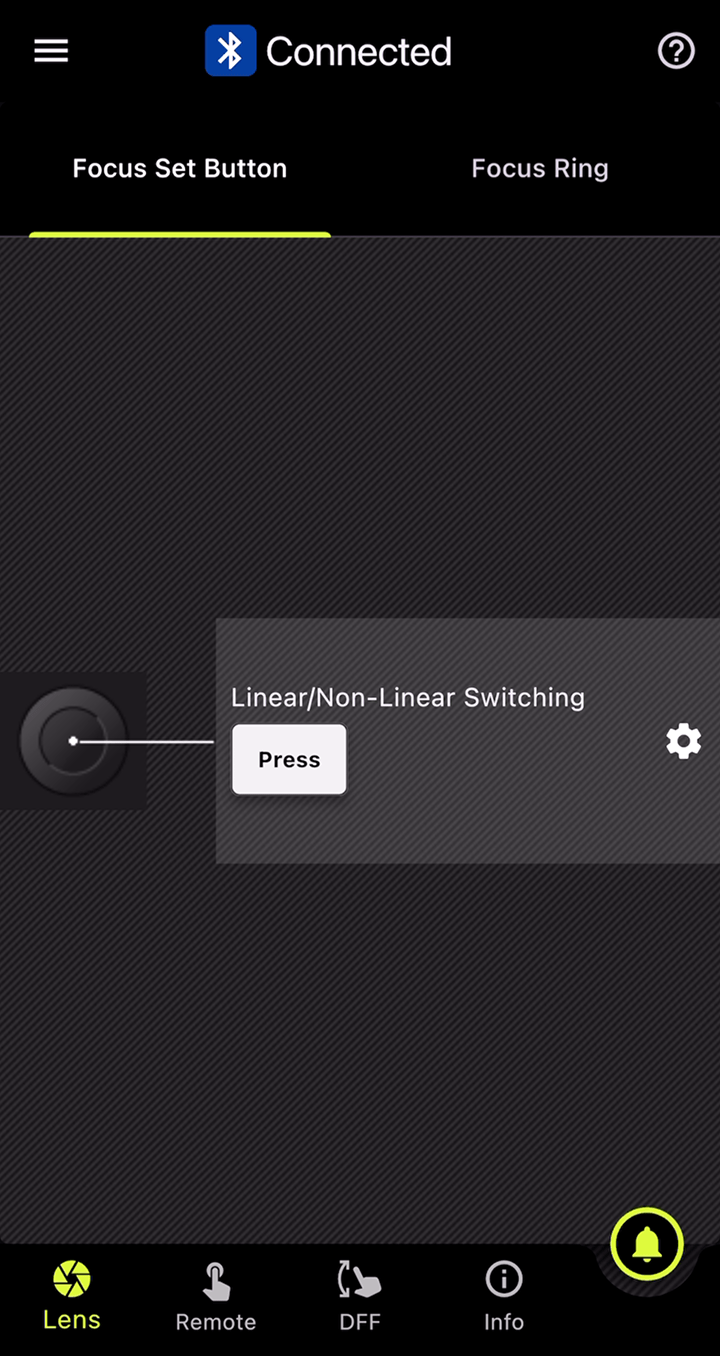
- Instantly switch between "Full" and "Limit" by pressing the Focus Set Button.
- You can also set "Full" range while pressing the button and "Limit" range while pressing the button.
- Select your preferred limited distance.
Common Features
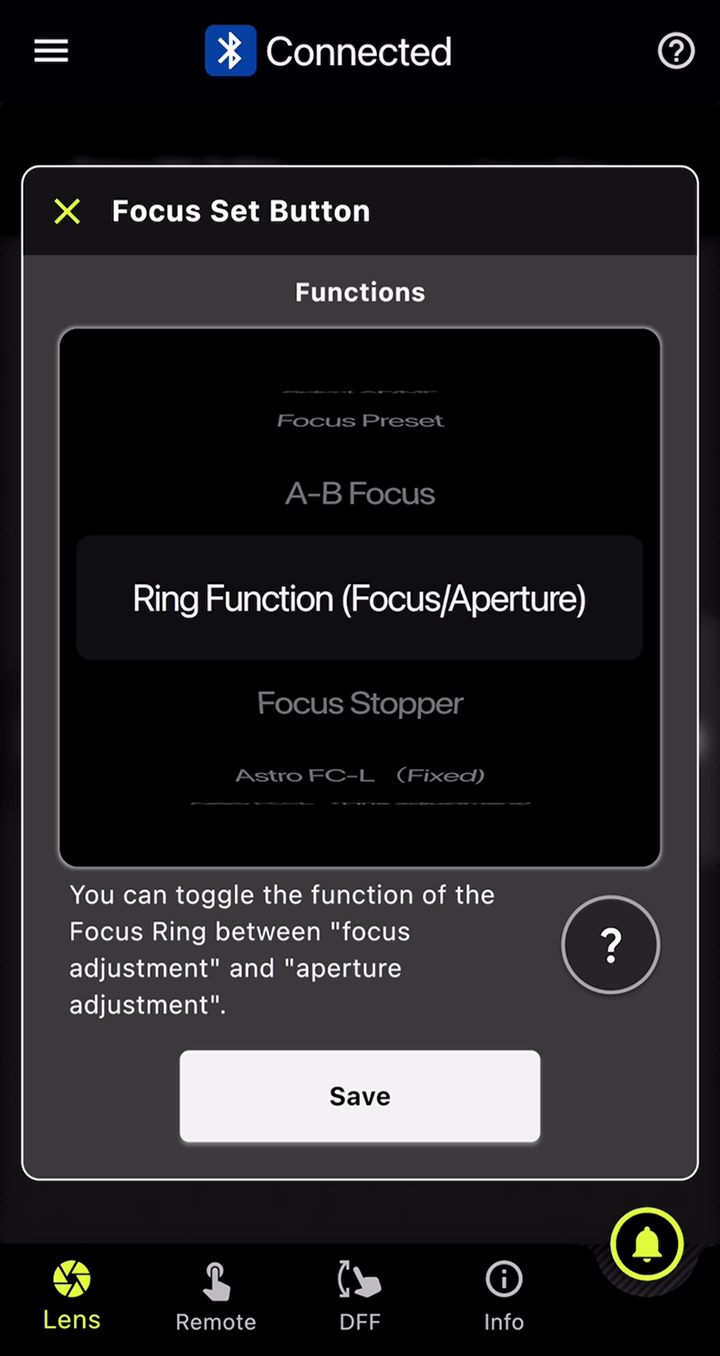
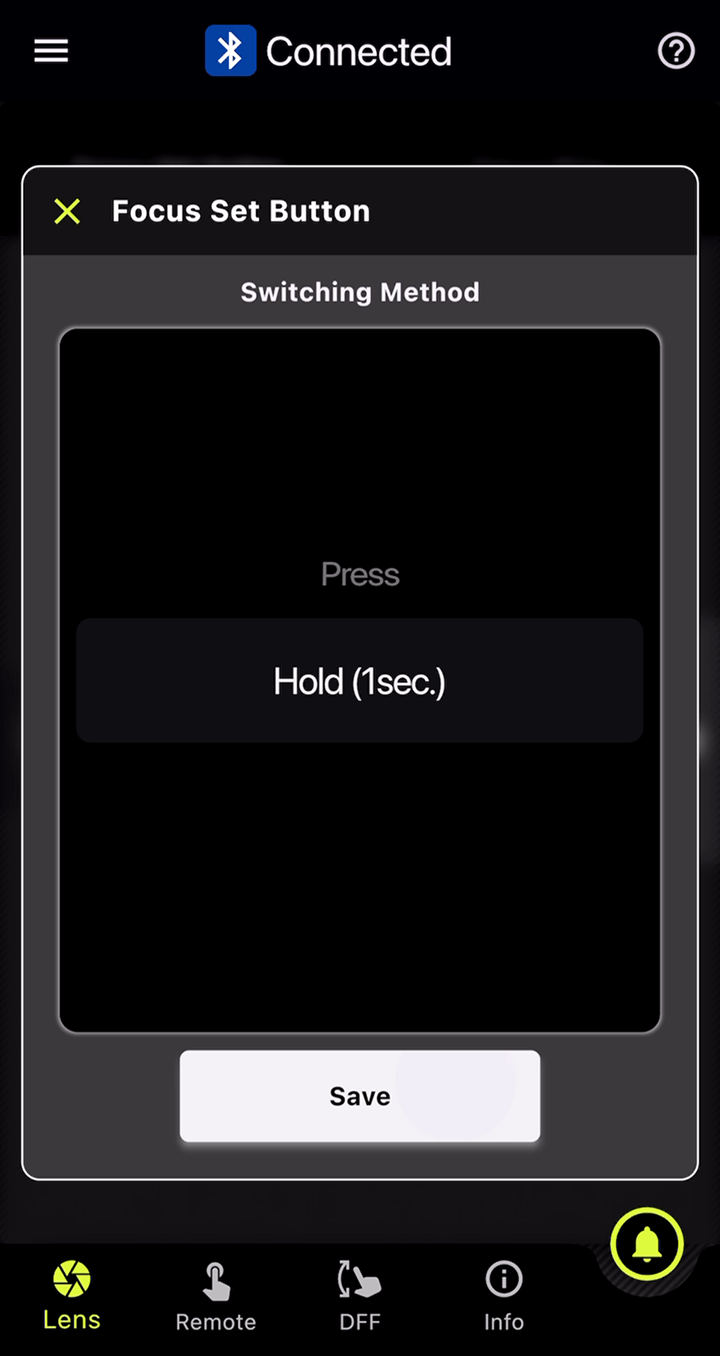
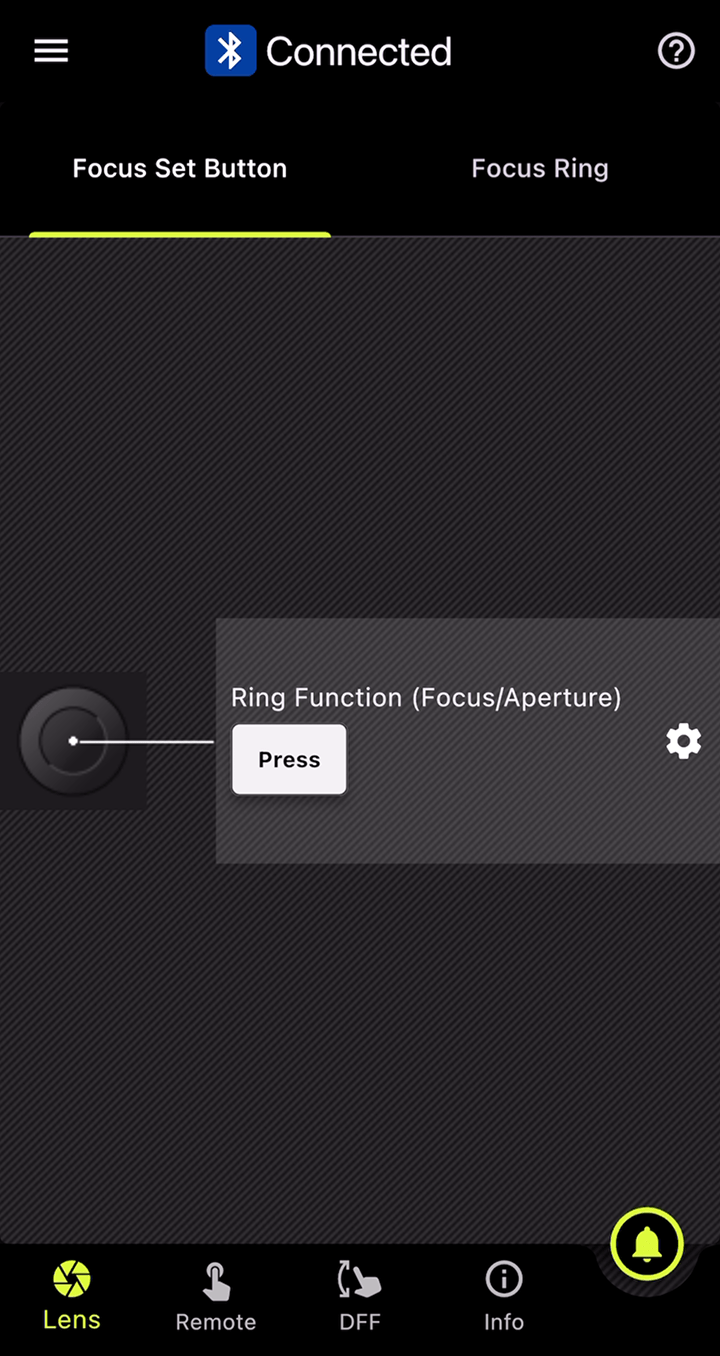
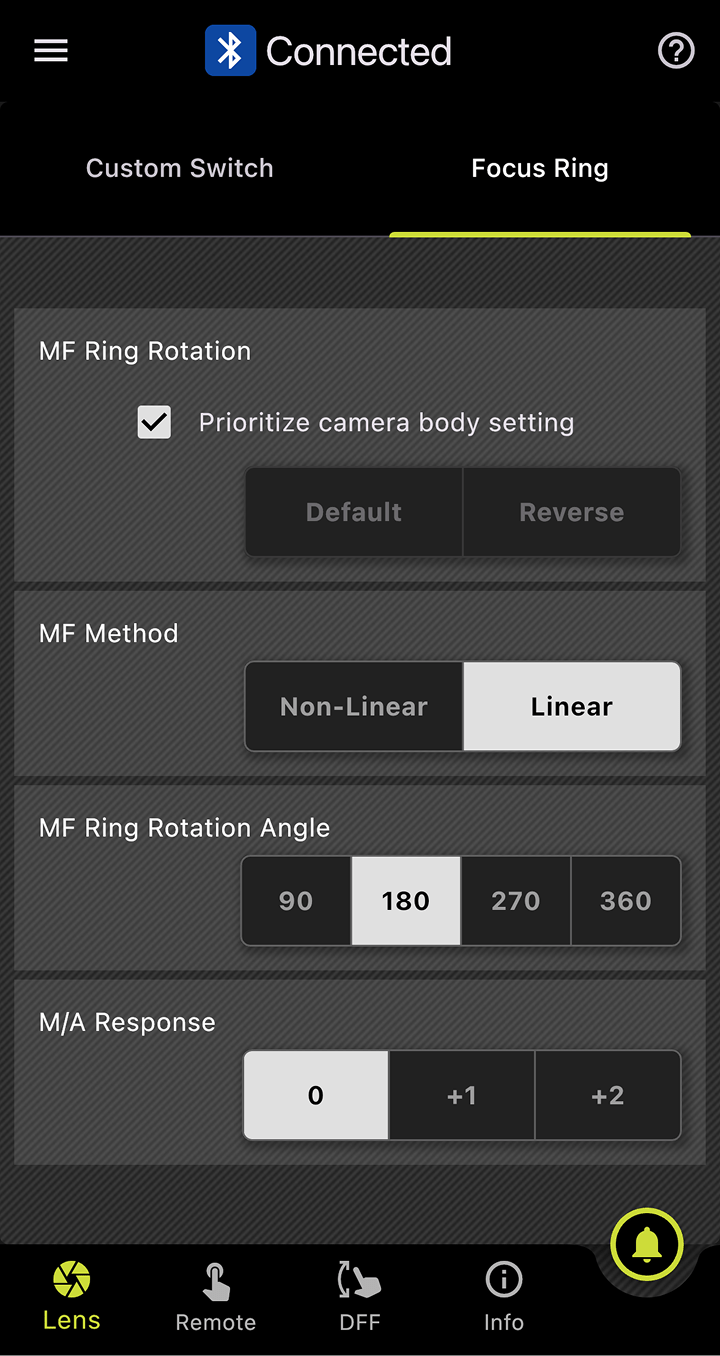
Accessories
TAMRON-LINK
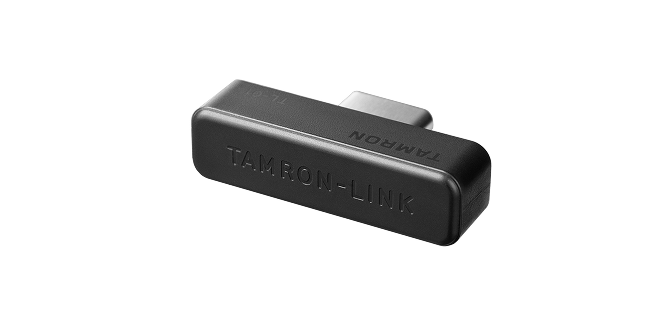
An accessory that enables wireless communication control of the TAMRON Lens Utility from your smartphone.
TAMRON Connection Cable
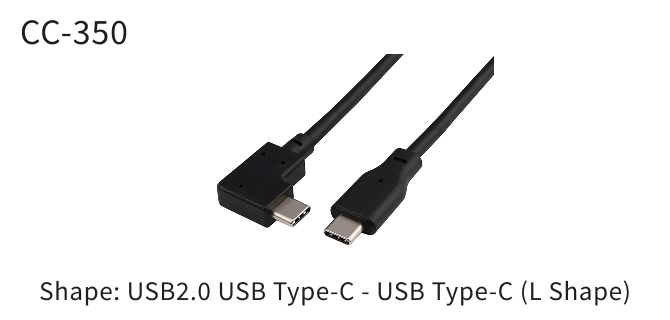
For a wired connection, please use the separately sold TAMRON Connection Cable USB Type-C to Type-C (Model CC-350). (Compatible with Android devices only)
Supported features
by lens
Select the lens model and mount, then press “Confirm” to view the applicable TAMRON Lens Utility functions.
Articles / Videos
Reviews / Articles
-
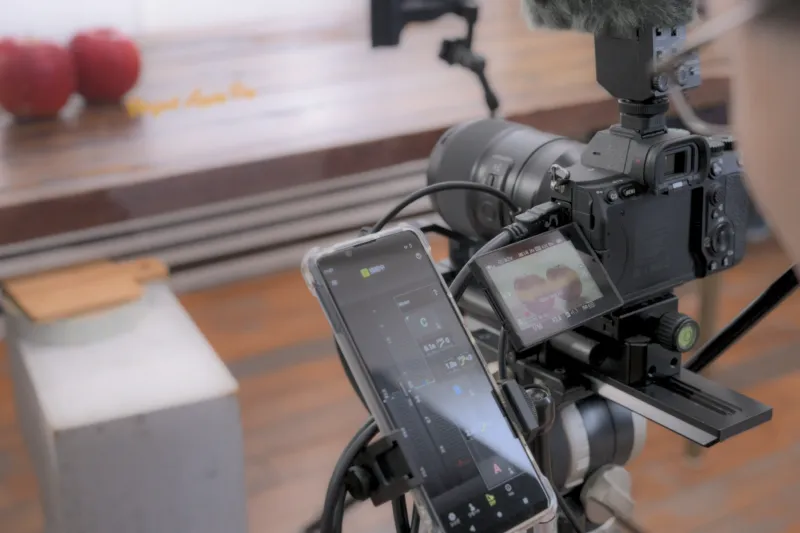
Let's take a short movie with an interchangeable-lens camera and create a cinematic look with focus work that makes use of the lens's bokeh! Part 2: About "Focus work"
-

Let's take a short movie with an interchangeable-lens camera and create a cinematic look with focus work that makes use of the lens's bokeh!
Part 1: About "Composition, Direction, and Focus Work" -

What is Vlogging(Vlog)? How to take it and recommended lenses